
Products You May Like
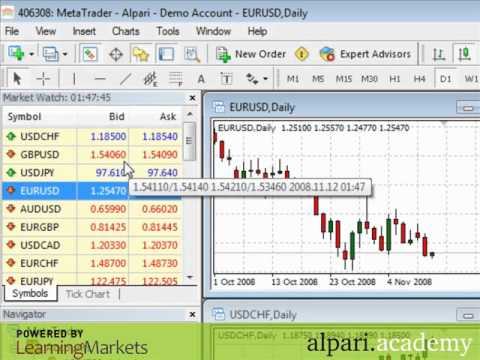
1. Exchange rates are quoted to the 5th decimal for most forex pairs and to the third decimal place on JPY quoted pairs. This allows Alpari to offer tight spreads and to increase pricing transparency. The market watch window, account reports, order entry screens and charts will all display quote information this way.
2. The charts in MetaTrader 4 will auto scroll by default to show the most recent price action. However, when you are doing specialized analysis, you may want to turn this feature on and off. In the video I will show you how to adjust this feature.
3. The bid price is shown on the charts but depending on the pair and your trading style you may want to be able to see the ask price as well. In the video I will show you how to add the ask price to any forex pair’s chart.
4. Alpari offers a wide selection of pairs to trade. Depending on your trading style and interests you may want to expand or restrict the list of symbols displayed in the MetaTrader 4 application. In this video I will demonstrate how to expand or shrink the list of forex pairs listed in the platform.
Provided by Learning Markets